





Fleet maintenance software that services vehicles by the miles they drive
Asset Infinity is fleet maintenance software that reads odometers and engine hours from GPS trackers. Service plans fall due from real use, and the work orders follow by themselves.

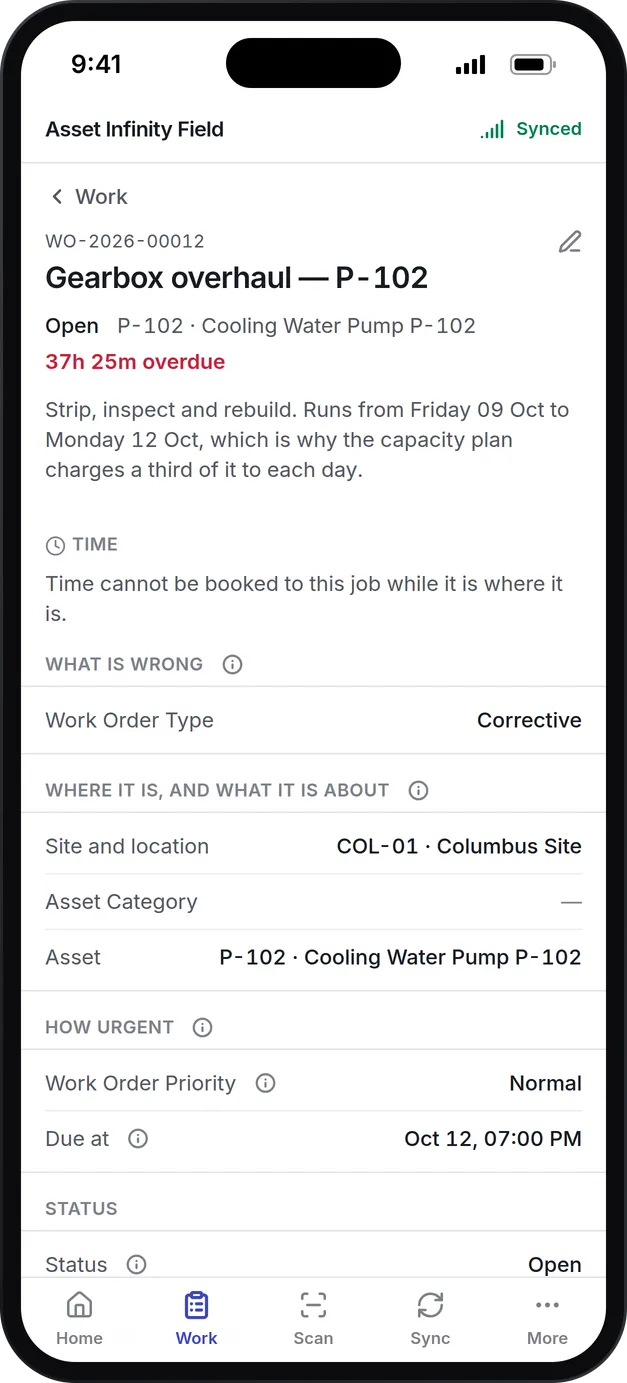
What our fleet maintenance software does for vehicles and mobile plant
Odometer and engine hours
The tracker counts distance and ignition time. Choose which meter each feeds, add an offset to match the dashboard, and the meter is read daily.
Service by mileage or hours
Plans fall due every 10,000 miles, every 250 engine hours or every six months, whichever comes first, and are raised as work orders ahead of time.
Trackers you already use
Teltonika is the default, and GT06, Queclink, Ruptela and OsmAnd devices are supported. A tracker's backlog uploads in full the first time it connects.
Trips and replay
Every position is kept for as long as you choose. Pick a day to see the trips, the distance and top speed, and drag the replay to see where a vehicle was.
Areas and alerts
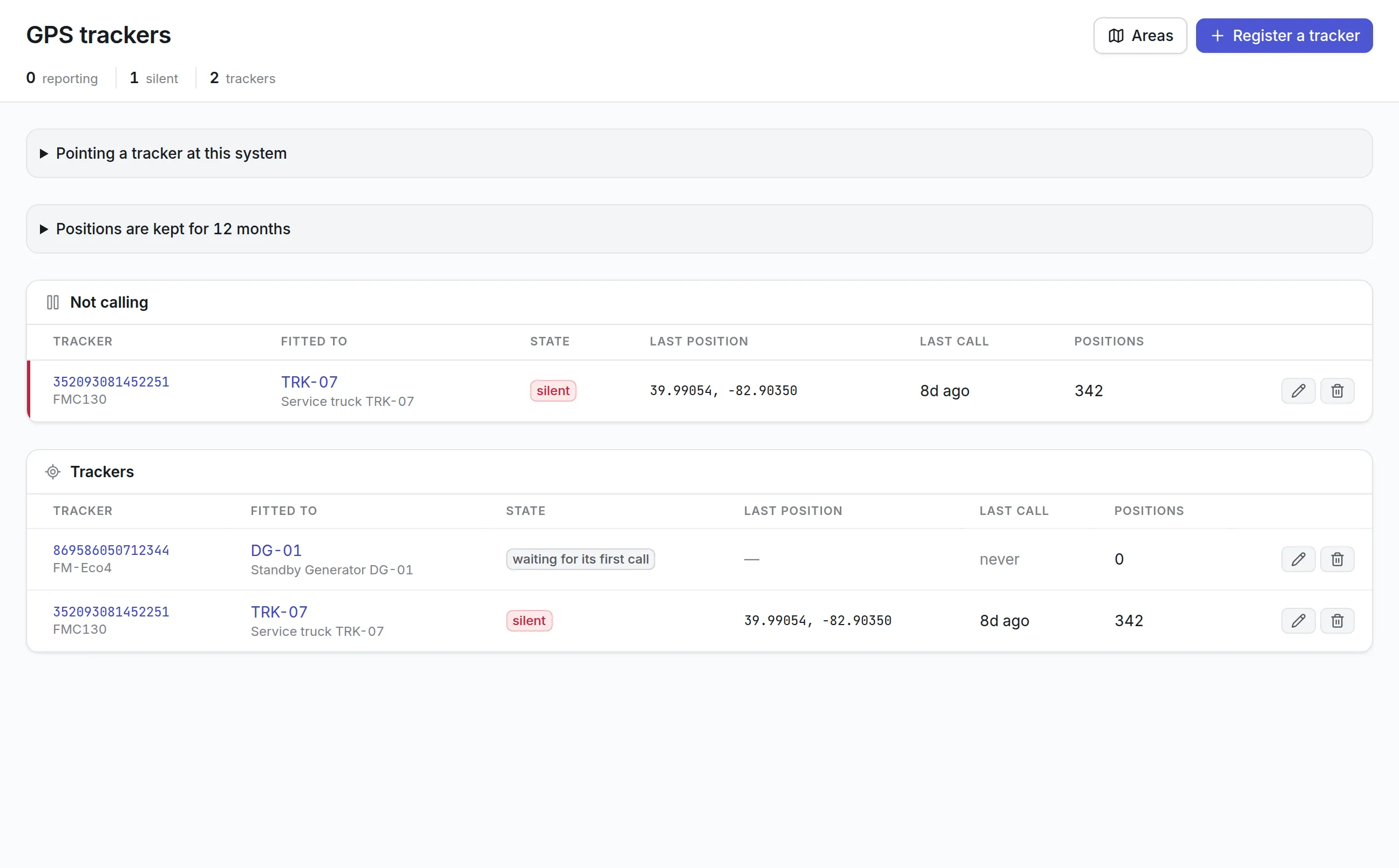
Draw areas on the map and be told when equipment leaves one. Power cuts, an unplugged tracker, a flat backup battery, the SOS button and silence are reported.
Work orders for every vehicle
Repairs, inspections and services run as work orders against the vehicle, with parts, labor, vendor work and cost on its record.
What is fleet maintenance software?
Fleet maintenance software plans, schedules and records the servicing and repair of vehicles and mobile equipment. It tracks each unit’s mileage or engine hours, raises a service when one falls due, and keeps the repair history, parts and cost on the vehicle’s record so you can see what each one costs to keep on the road.
Fleets buy it because the alternative runs on memory and stickers on windshields. A spreadsheet of due dates cannot see the odometer, and a GPS tracking system that can see it does not raise the work. Fleet maintenance software joins the two.
One register for vans, trucks, generators and buildings
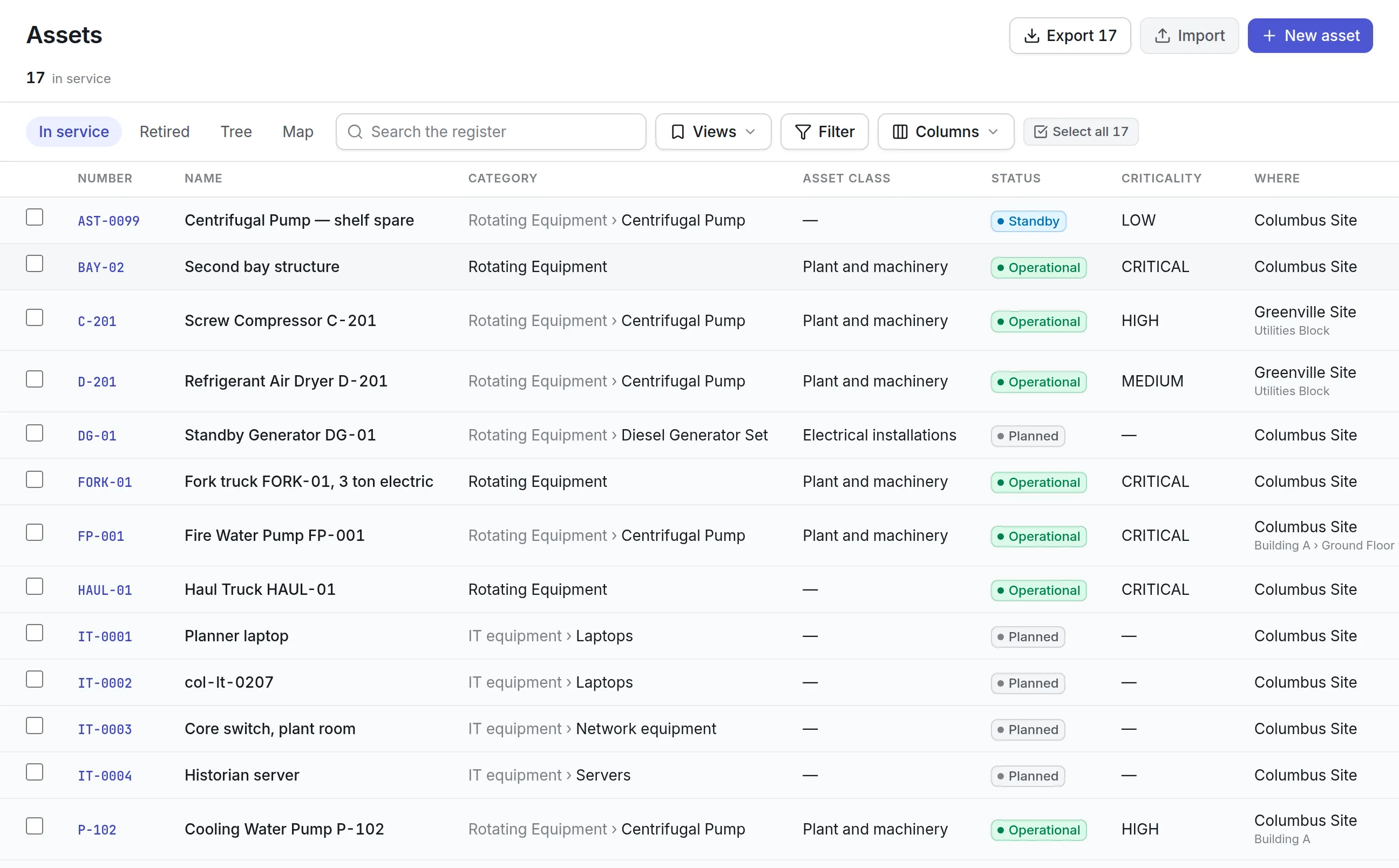
Asset Infinity treats every vehicle, trailer and piece of mobile plant as an asset in the same register as your buildings and fixed equipment. A haul truck, a forklift and the standby generator it parks beside share one list, one set of technicians, one storeroom and one cost history.
- Its category, status, criticality and the site it belongs to.
- Distance and engine-hour meters, with the reading history behind each.
- Every work order raised against it, with parts, labor, vendor charges and downtime.
- Warranties and service contracts, so the shop can see whether a repair is covered.
- Photos, manuals and documents, printed labels and a QR code for the mobile app.
More detail
What each vehicle record carries:
How fleet maintenance software works in Asset Infinity
The steps below follow a facilities contractor with a fleet of service vans, each with a Teltonika tracker wired to its ignition.
- Register the tracker.On the GPS trackers screen, Register a tracker asks for the IMEI on the tracker’s label, its family and the asset it is fitted to. A tracker that calls before it is registered keeps what it recorded and sends it on its first call afterwards.
- Feed the odometer and engine hours.Odometer feeds names the van’s distance meter, and Engine hours feed names its running-hours meter, counted from the time the tracker saw the ignition on. An offset makes each meter match the dashboard: a tracker fitted to a van with 82,000 miles starts from zero, so the offset adds the 82,000. Meters are read once a day by default.
- Write the service plan against the meter.In preventive maintenance software, a plan for the vans carries a distance trigger every 5,000 miles and a calendar trigger every six months, with the rule Any of them. A reading that jumps past more than one interval raises one service.
- Let the work order raise itself.With Raise the work order automatically on, the job appears a set number of days ahead, its lead time, carrying the plan’s checklist, parts and skills. It shows in work order software and on the dispatch board.
- Do the work in-house or at a vendor.The job goes to a shop technician or to the outside garage that holds the contract. Parts come through parts inventory management, and every charge lands on the van’s cost history.
- Check between services.Pre-start check is one of the default inspection types. Drivers or technicians answer a pre-trip checklist in the mobile app, even with no signal, and a failed check can raise corrective work on the vehicle.
See inspection management software for how pre-trip rounds are scored and how a critical failure is handled.
Scheduling vehicle maintenance by miles, hours or date
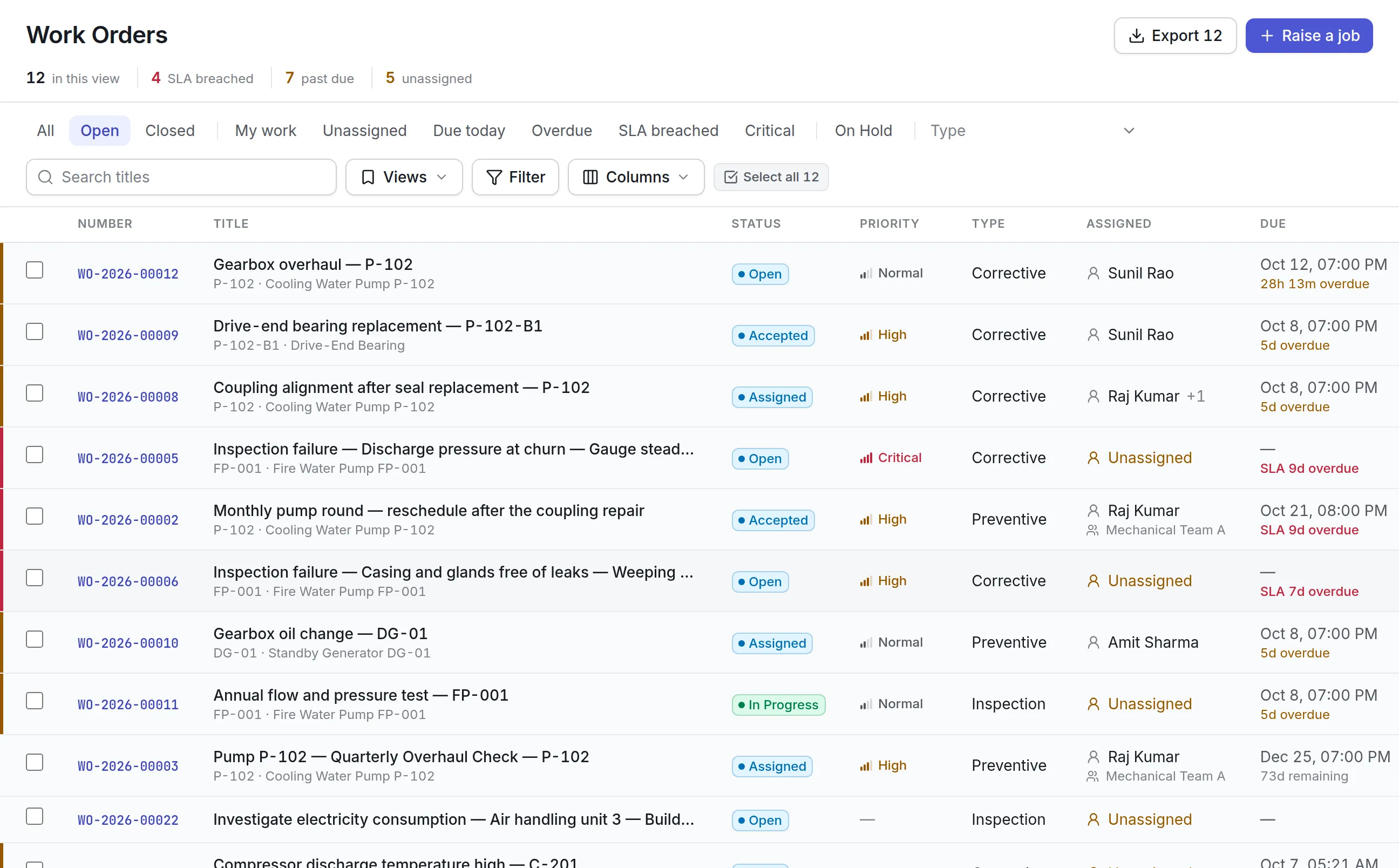
A maintenance plan can carry several triggers at once, and its trigger rule decides whether the first one to fire raises the service or all of them must. Here is how a mixed fleet might be set up:
| Unit | Plan | Triggers |
|---|---|---|
| Service van | Oil and filter service | Every 5,000 miles or every 6 months, whichever comes first |
| Box truck | Annual service and safety check | Every 12 months, with a lead time to book the bay |
| Forklift | Planned maintenance | Every 250 engine hours |
| Trailer-mounted generator | Load test and service | Every 500 engine hours or every 12 months |
Two settings keep the schedule honest. Tolerance says how late a service can be and still count as on time for PM compliance. And an annual service can stand down the smaller service that falls in the same month, so the van is not booked in twice and the skipped round does not count as missed.
See it on your own assets, or price it in two minutes.
Trackers, trips and areas
Every tracker has its own screen. The trackers list puts any that have stopped calling at the top, so a unit that was unplugged or lost power is noticed before its service plan goes stale.
Fleet maintenance compared with GPS fleet tracking
| Question | GPS fleet tracking alone | Fleet maintenance software in Asset Infinity |
|---|---|---|
| Where is the vehicle now? | Yes | Yes, from the same trackers |
| How far has it driven? | Shows the odometer | Writes the odometer into the vehicle’s meter |
| Is a service due? | No | Meter and calendar triggers raise the service |
| Who did the last repair, and with which parts? | No | Work order history with parts, labor and vendor |
| What does this vehicle cost to maintain? | No | Costs roll up on the asset |
| Did a pre-trip check fail? | No | Inspection rounds with findings and corrective work |
Trackers are one way to keep meters current, not the only one. Odometer and hour readings can be recorded in the mobile app, imported from a spreadsheet, or sent through the API, so a fleet that already runs a telematics platform can feed its meters from there without fitting new hardware.
What to look for when choosing fleet maintenance software
| Capability | Why it matters | In Asset Infinity |
|---|---|---|
| Usage-based plans | Vehicles wear by miles and hours, not by date | Meter triggers on distance or engine hours, combined with calendar triggers |
| Telematics that feed meters | Typing odometer readings is the step that gets skipped | Tracker odometer and ignition hours write to meters daily |
| Tracker choice | You may already own trackers | Teltonika, Concox GT06, Queclink, Ruptela and OsmAnd |
| Offsets | A new tracker starts at zero on an old vehicle | Odometer and engine-hour offsets per tracker |
| Inspections on a phone | Drivers find defects before mechanics do | Pre-start checklists in the mobile app, working offline |
| Vendor work | Many fleets send work to outside shops | Work orders can go to a vendor, with their charges on the job |
| One register for everything | Vans, generators and buildings share technicians and parts | Vehicles are assets beside fixed equipment |
Fleet maintenance by industry
Fleet maintenance software is set up a little differently in each kind of operation. These are the patterns teams usually start with.
Facility service contractors
A contractor running service vans and pickup trucks sets distance-based oil and tire service plans, a pre-trip checklist each morning, and an area around each client site so the office can see which van is on site and when it left. Each van’s repair and parts costs roll up on its own record. See facility management software.
Oil and gas field operations
Field trucks, light towers and portable generators move between well pads. Engine hours drive their service plans, an area around each pad records which site a unit is at, and leaving an area notifies the supervisor. Tracker alerts for unplugging or lost vehicle power reach the site’s supervisors as they start. See oil and gas maintenance software.
Water and wastewater utilities
A utility maintains crew trucks, vacuum trucks and trailer-mounted pumps and generators. Trucks follow mileage plans, and generators follow engine hours plus a monthly exercise inspection with a meter reading question on it, so the hours are captured even where no tracker is fitted. Every unit sits in the same register as the treatment plant it serves.
Warehouses and yards
Forklifts and yard tractors rarely leave the site, so engine hours matter more than miles. A pre-start check before each shift, with a critical question on brakes or forks, raises an urgent work order when it fails, and the failure is recorded on the truck. Engine hours fed by a tracker bring planned maintenance due without anyone reading the hour meter.
What fleet maintenance software costs with Asset Infinity
The asset register starts at $130 a month for up to 500 assets, with unlimited users. Work orders, maintenance plans and inspections come with the Maintenance bundle at $25 per user per month. GPS trackers are priced with the tracker model you choose, and we add them to your formal quote. Build a quote with your vehicle count.
Getting started
A fleet usually goes live in a week, and the first services then fall due on their own:
What it uses
Common questions
What is fleet maintenance software?
Fleet maintenance software plans and records the servicing and repair of vehicles and mobile equipment. It tracks mileage or engine hours, schedules services when they are due and keeps each vehicle's repair history and cost.
What is the difference between fleet maintenance software and GPS fleet tracking?
GPS fleet tracking shows where vehicles are and where they have been. Fleet maintenance software decides when each vehicle needs service and records the work. Asset Infinity does both, and uses the tracker's odometer and engine hours to bring service plans due.
Which GPS trackers work with Asset Infinity?
Teltonika trackers, plus devices that speak the Concox GT06, Queclink, Ruptela and OsmAnd protocols, including phones running Traccar Client. You register a tracker by its IMEI and choose the asset it is fitted to.
Do we need trackers to schedule service by mileage?
No. Odometer and hour readings can also be entered in the mobile app or imported. Trackers remove the manual step, so plans fall due without anyone reading a dashboard.
Can drivers complete pre-trip inspections on a phone?
Yes. Pre-start check is one of the inspection types, so you can build a pre-trip checklist and have it answered in the iOS or Android app. A failed check can raise a corrective work order on the vehicle.
Does it handle equipment as well as road vehicles?
Yes. Generators, compressors, forklifts and other mobile plant work the same way, usually with engine hours as the meter that drives their service plans.
See it with your own assets
A demo run on an example from your industry. Or start the trial and look around on your own.