





An on premise CMMS that is the same product as our cloud
Run our on premise CMMS on your own servers behind your own firewall, or use our cloud. Both are the same release with the same features, so choosing where it runs never means choosing less.

What our on premise CMMS gives your IT team
One product, two homes
The on-premise install is built from the same release as our cloud, with the same screens, mobile app and reports.
A virtual machine to import
Import a ready appliance into VMware, Hyper-V, KVM or Proxmox and finish setup in a browser form. No command line is needed.
Works with no internet
Sites with no route out run the full CMMS. Features that need an outside service, such as AI, are switched off on purpose so no screen offers what cannot work.
Signed releases
Every release is signed, and the install checks the signature before loading it. Upgrades are never applied by themselves.
Backups you can test
A built-in backup copies the database and every stored file as a pair, and a check restores each backup into a scratch copy to prove it works.
Your own technician app
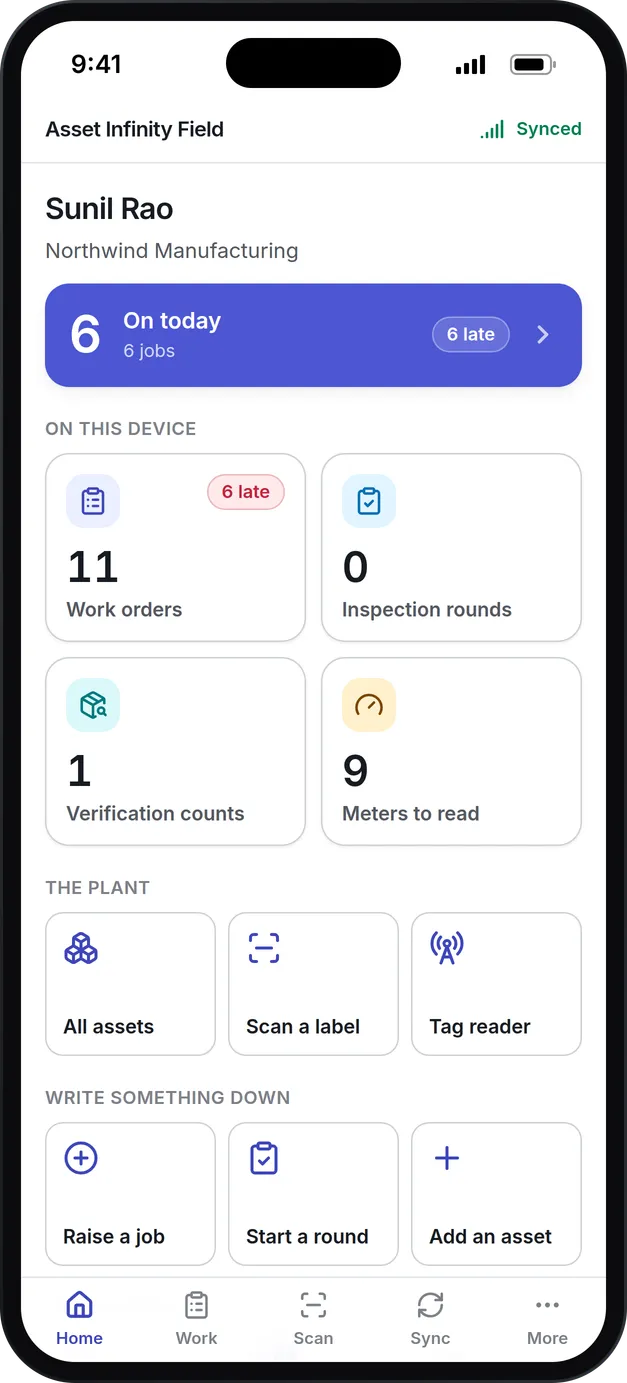
Technicians can use the app in a browser, or you can have your own iOS and Android build that talks only to your server, with push notifications.
What is an on premise CMMS?
An on premise CMMS is maintenance management software installed on servers an organization owns and runs itself, inside its own network. It holds the same work orders, preventive maintenance plans, assets, parts and technicians as a hosted CMMS, but the database, the files and the backups all stay in the building.
Organizations choose one when plant data may not leave the site, when a site has no reliable internet, or when IT policy requires every system to run on its own hardware.
Why some sites need it on their own servers
A refinery, a pharmaceutical plant or a defense supplier may not allow plant data to leave the building. A mine or an offshore site may have no reliable internet at all. For them, an on-premise install is the only way to run a CMMS, and too often it means an older, thinner version of the product. Asset Infinity ships the same release to both, so an on-premise customer gets:
How the Asset Infinity on premise CMMS is installed
Your IT team can install it without us. Here is the whole procedure for a site that can import a virtual machine, which is nearly every site.
- Download the appliance.You receive a private download link that expires. The appliance comes in three formats from the same release: an OVA for VMware ESXi, Workstation and VirtualBox, a VHDX for Hyper-V, and a qcow2 for KVM and Proxmox. A signed checksum file proves the copy is ours.
- Import it and give it resources.The machine asks for 4 virtual CPUs, 8 GB of memory and a 64 GB thin disk. The disk grows to fill whatever you give it on the next restart.
- Answer two questions on the console.The first boot asks for a password for the maintenance account (root is locked) and for the network address, then prints the setup form’s address, a one-time token and the fingerprint of its certificate.
- Finish in a browser.The setup form asks for your organization, its first administrator, the address people will type, how it gets HTTPS, your mail relay, which optional channels to switch on and what it may say to the internet. It streams its progress into the page.
- Apply the license.The installation generates its own ID. A license key is signed against that ID and applied on the machine or pasted under Settings → Billing. Neither step needs a network.
- Verify and hand over.A verify step checks the product answers. The setup form shuts itself down when you press Finish, or thirty minutes after the last screen, and deletes what it held.
What runs the same on premises, and what needs the internet
Everything that only needs your own server works exactly as it does in our cloud. A few features depend on someone else’s servers, so on a site with no route out they are switched off on purpose, and no screen offers what cannot work.
More detail
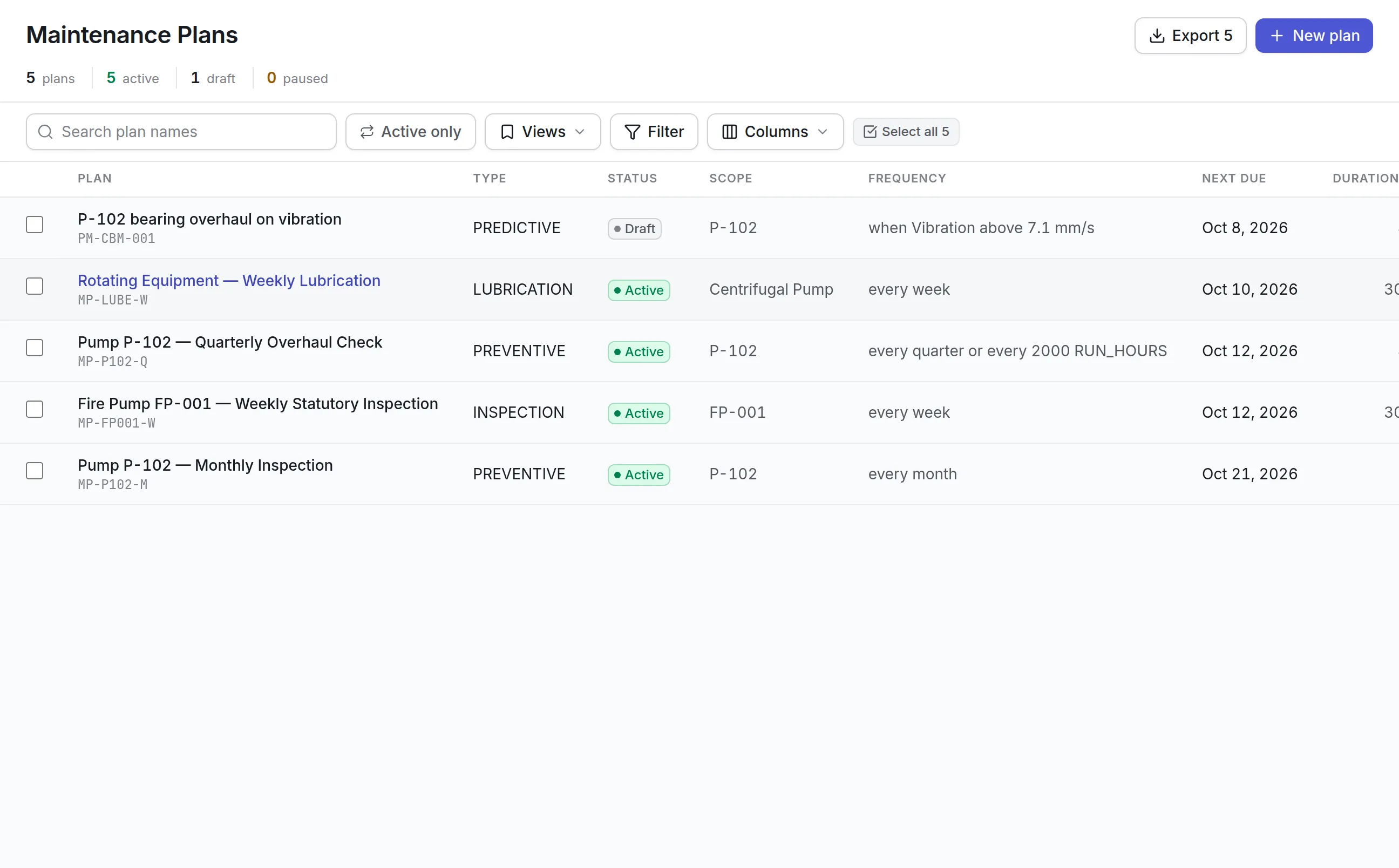
The table shows where each feature stands. A site with a route out to the service named can switch the matching feature back on.
| Feature | No internet route | Why |
|---|---|---|
| Work orders, preventive plans, inspections, parts, purchasing, reports | Works | Runs entirely on your server |
| Field app in a browser | Works | Served from your own server |
| Email notifications and password resets | Works | Sent through your internal mail server |
| Sign-in through LDAP or Active Directory | Works | Your directory is inside your network |
| Push notifications to phones | Needs a route out | Delivered through Apple’s and Google’s servers |
| SMS, WhatsApp, Microsoft Teams, Telegram | Needs a route out | Each is someone else’s service |
| AI Copilot and MCP assistants | Needs a route out | The AI model is reached over the internet |
| Virus scanning of uploads | Needs updates | Signatures come from ClamAV’s servers, or from your own mirror |
See it on your own assets, or price it in two minutes.
Upgrades, backups and the technician app
Running the software yourself means owning three routines. Each one is built so your IT team can run it without a call to us.
What to look for when choosing an on premise CMMS
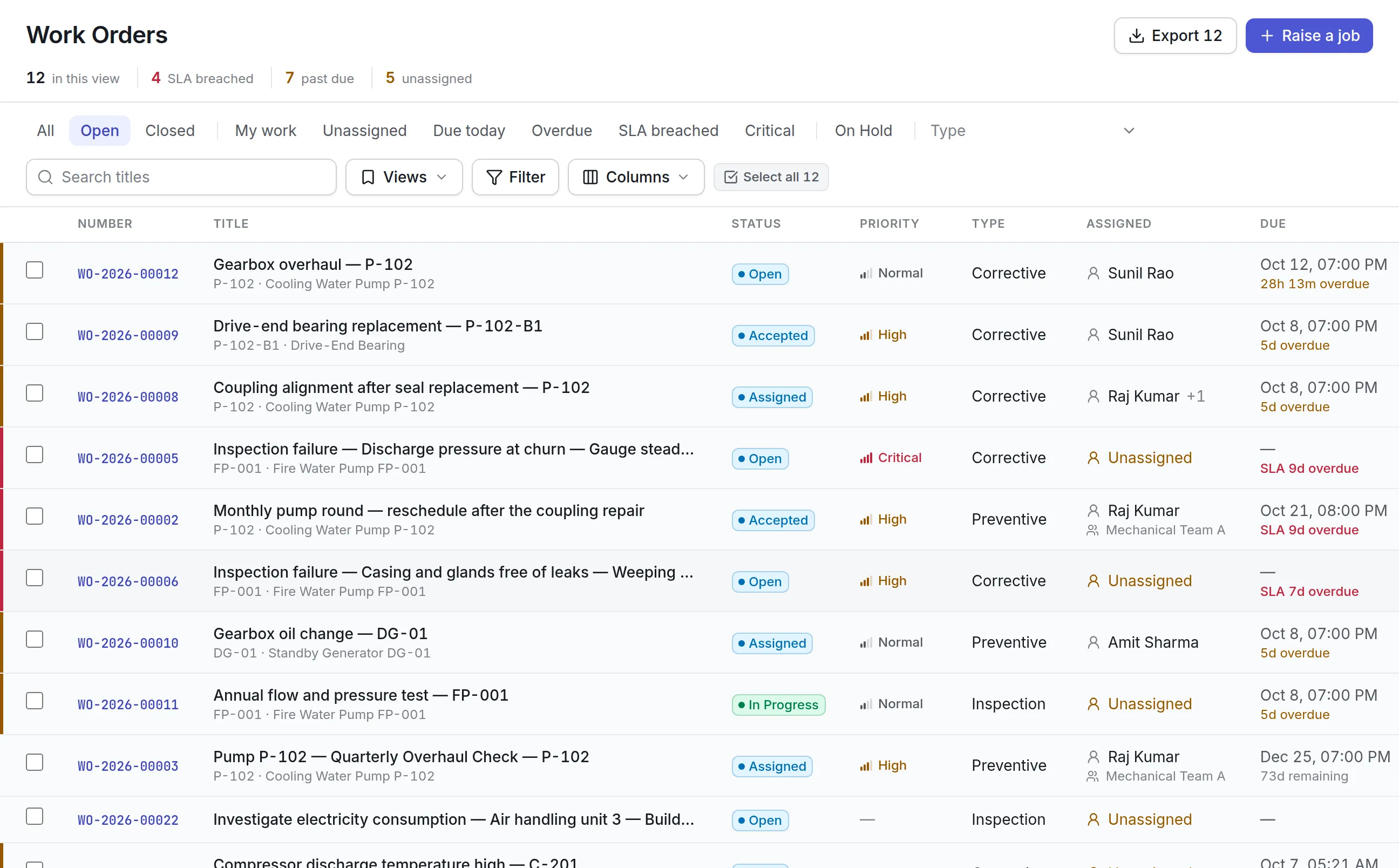
Ask every vendor these questions before you sign.
| Capability | Why it matters | In Asset Infinity |
|---|---|---|
| Same release as the cloud | An on-premise edition that lags behind ages fast | Built from the same release, with the same screens and app |
| Simple installation | Your IT team should not need the vendor on site | A virtual appliance and a browser form, with no command line needed |
| Works fully offline | Some sites have no internet at all | Everything except outside services runs on your server |
| Signed releases | You should know the software is genuine | Bundles and checksums are signed and checked before loading |
| Upgrades on your schedule | Changes need a backup and a person watching | Nothing upgrades itself, and upgrades run in place |
| Restorable backups | A backup nobody restored is a hope | Built-in backup with a restore check into a scratch copy |
| Local sign-in | Staff should use the company directory | LDAP or Active Directory, SAML, OpenID Connect and SCIM |
| Mobile app for your server | Field work needs phones | Browser app, or your own iOS and Android build with push |
| No hidden data flow | Security teams want to see what leaves | Optional check-in with counts only, readable by your team |
On premise CMMS by industry
The install is the same. What each site switches on, and what it keeps off, differs.
Oil and gas
A refinery or a remote production site keeps the server inside the plant network. Technicians use the browser app over site Wi-Fi, permits and inspections run as they would in the cloud, and email goes through the plant’s own relay. See maintenance for oil and gas.
Pharmaceuticals and life sciences
A GMP site wants its maintenance records under its own IT controls. Every change is recorded with who made it and the values before and after, and nobody can edit or delete that trail. Backups follow the site’s own retention, and upgrades wait until the site has validated a release. See maintenance in life sciences.
Water and wastewater utilities
A utility’s operational network is often kept apart from the internet. The CMMS runs inside it, signs staff in through Active Directory, and raises preventive rounds for pumps and treatment equipment from the scheduler on its own server. Crews in the field use the browser app on the operational network, and notifications go out through the utility’s internal mail server.
Manufacturers with restricted networks
A plant that segments its production network runs the CMMS beside its other plant systems. Its own iOS and Android build reaches the server over the plant VPN and receives push notifications if the site allows a route to Apple and Google.
What an on premise CMMS costs
Running Asset Infinity on your own servers is an annual subscription at twice the cloud price for the same assets and modules, with a minimum of $18,000 a year, billed yearly. Installation is a one-time $5,000. The cloud price starts with the asset register at $130 a month for up to 500 assets with unlimited users, and you add the modules you need. You can build a quote for either, and compare it with the cloud on our computerized maintenance management system page.
Getting started
A typical on-premise rollout takes these steps:
Common questions
What is an on premise CMMS?
An on premise CMMS is maintenance management software installed on servers the customer owns and operates. The data stays inside the customer's own network.
Is the on-premise version missing features?
No. It is the same release as the cloud product. Only features that depend on an outside service, such as the AI Copilot, push notifications or SMS, need a route to the internet to work.
What do we need to run it?
A hypervisor that can import a virtual machine, such as VMware, Hyper-V, KVM or Proxmox. The appliance asks for 4 virtual CPUs, 8 GB of memory and a 64 GB disk that can grow.
Does an on premise CMMS send any data to you?
Not unless you switch it on. An optional daily check-in sends counts and version details only, never a record, a name or anything typed into the product, and your administrators can read exactly what was sent.
How are upgrades applied?
You apply each signed release when you choose, after a backup. Nothing upgrades itself, and the database is upgraded in place with your data kept.
How is it licensed?
On-premise is an annual subscription: twice the cloud price, with a minimum of $18,000 a year, plus $5,000 for installation. Build your quote on the pricing page, or talk to us.
See it with your own assets
A demo run on an example from your industry. Or start the trial and look around on your own.