






An AI CMMS copilot that suggests, shows its evidence and lets people decide
Copilot, the AI in our CMMS, reads the work order or asset in front of you and suggests a failure code, a plan or what to take. Each suggestion cites its records and waits for a person to accept or reject it.
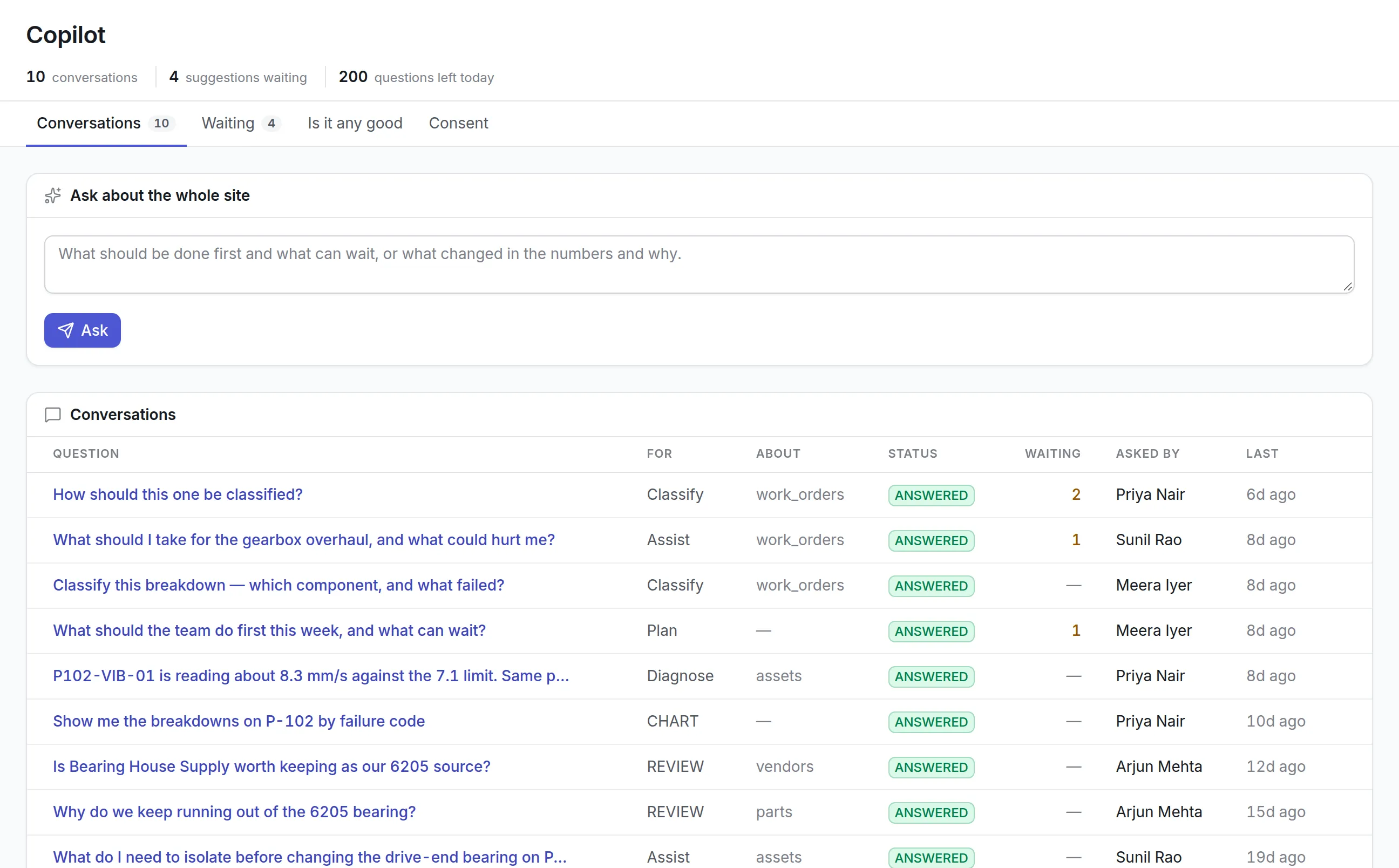
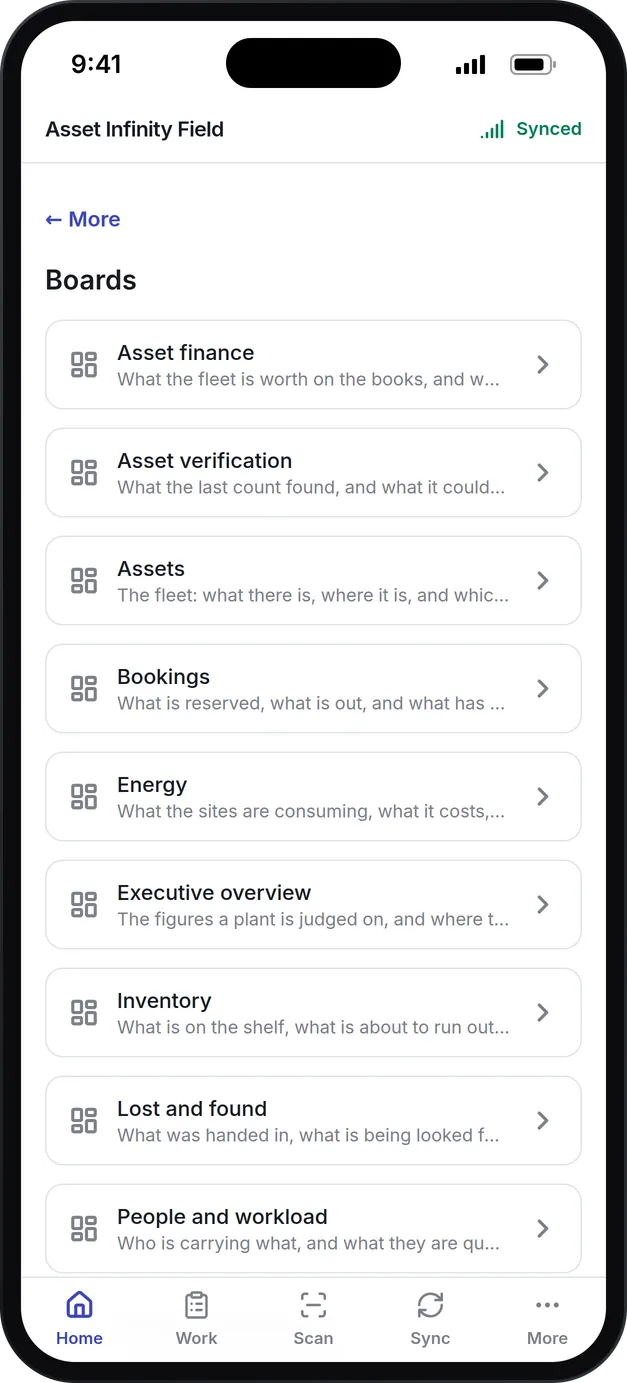
What our AI CMMS copilot does for your team
Classify breakdowns
Copilot suggests the component, failure mode and cause for a breakdown, chosen only from the codes your organization has set up.
Help at the job
Ask what to take for a job and what could hurt you, or why a sensor reading has drifted past its limit, with the past work orders it rests on.
Plan the week
Ask what the team should do first and what can wait, across the preventive work falling due in the next two weeks.
Charts from a question
Ask for a chart in plain words. Copilot writes the query, your data never goes to the model, and you can pin the chart to a dashboard.
Fill forms from a photo
Photograph a nameplate or upload a datasheet, or just say what the asset is, and Copilot fills in the new record for you to check.
AI assistants over MCP
People can connect Claude or ChatGPT to ask about open work, parts and inspections, and to raise a request, within their own permissions.
What is an AI CMMS?
An AI CMMS is maintenance software that uses a large language model to help with the work: suggesting the failure code for a breakdown, ranking probable causes, listing what to take to a job, ordering the week’s work by consequence, or turning a plain question into a chart. In a well-built AI CMMS the model suggests and a person decides.
Maintenance teams turn to AI for the jobs that eat time and get skipped: classifying failures consistently, reading an asset’s history before a job, and pulling a report together for a Monday meeting. The risk is a model that writes confident nonsense into your records, which is why Copilot in Asset Infinity never writes on its own.
How Copilot works in Asset Infinity
Copilot answers from your own records, on your organization’s own key with Anthropic or OpenAI, and only after someone in your organization has agreed to switch it on.
- Agree to switch it on.Copilot is off until an administrator turns it on. Who agreed, and when, stays on record even if that person later leaves, and switching it off stops it everywhere at once.
- Add your key.Choose Claude from Anthropic or ChatGPT from OpenAI and paste your API key. It is encrypted on the way in and never shown again. Pin a model or leave the provider’s default.
- Choose what it may do.Tick the capabilities your organization allows and set a daily question limit for the whole organization. Anything not allowed is refused by the server, not just hidden.
- Ask from the record.The Copilot tab on every work order and asset is where most questions start. You type one question, and the capability that answers is worked out from the sentence.
- Decide on the suggestion.Each suggestion shows the field, the proposed value, the reasoning and the records it rests on. Accept and write it on, agree without changing the record, or reject it with a reason.
- Check whether it is earning its keep.The Is it any good tab shows the accept rate for each capability. One under about one in three is highlighted, so you can switch it off and keep the rest.
What you can ask an AI CMMS copilot
| Capability | What it is for | Usually asked from |
|---|---|---|
| Classify | Proposes the failure mode, cause and priority, only from the lists your organization configured | A work order |
| Diagnose | Ranks probable causes by this asset’s history, and says what would settle it | An asset or a work order |
| Assist | What to check, what to isolate and what to take with you | A work order or an asset |
| Plan | What is due, ordered by consequence rather than by date | The whole site |
| Analyze | What changed in the numbers and why, often answered with a chart | The whole site |
| Fill forms | Reads a photo, a document or a spoken description into a new record | Create forms |
See it on your own assets, or price it in two minutes.
Suggestions that can be checked
When Copilot suggests that a breakdown on pump P-102 was a bearing failure caused by misalignment, it can only pick a failure mode your team configured, and it lists the work orders that led it there.
More detail
Consistent failure codes are what make reliability figures and root cause analysis worth doing, because a repeat fault only shows up when the same failure is coded the same way each time. Accepting a suggestion records your judgement as well as the value, and rejecting one asks why, which is the part worth having.
Charts from a plain question
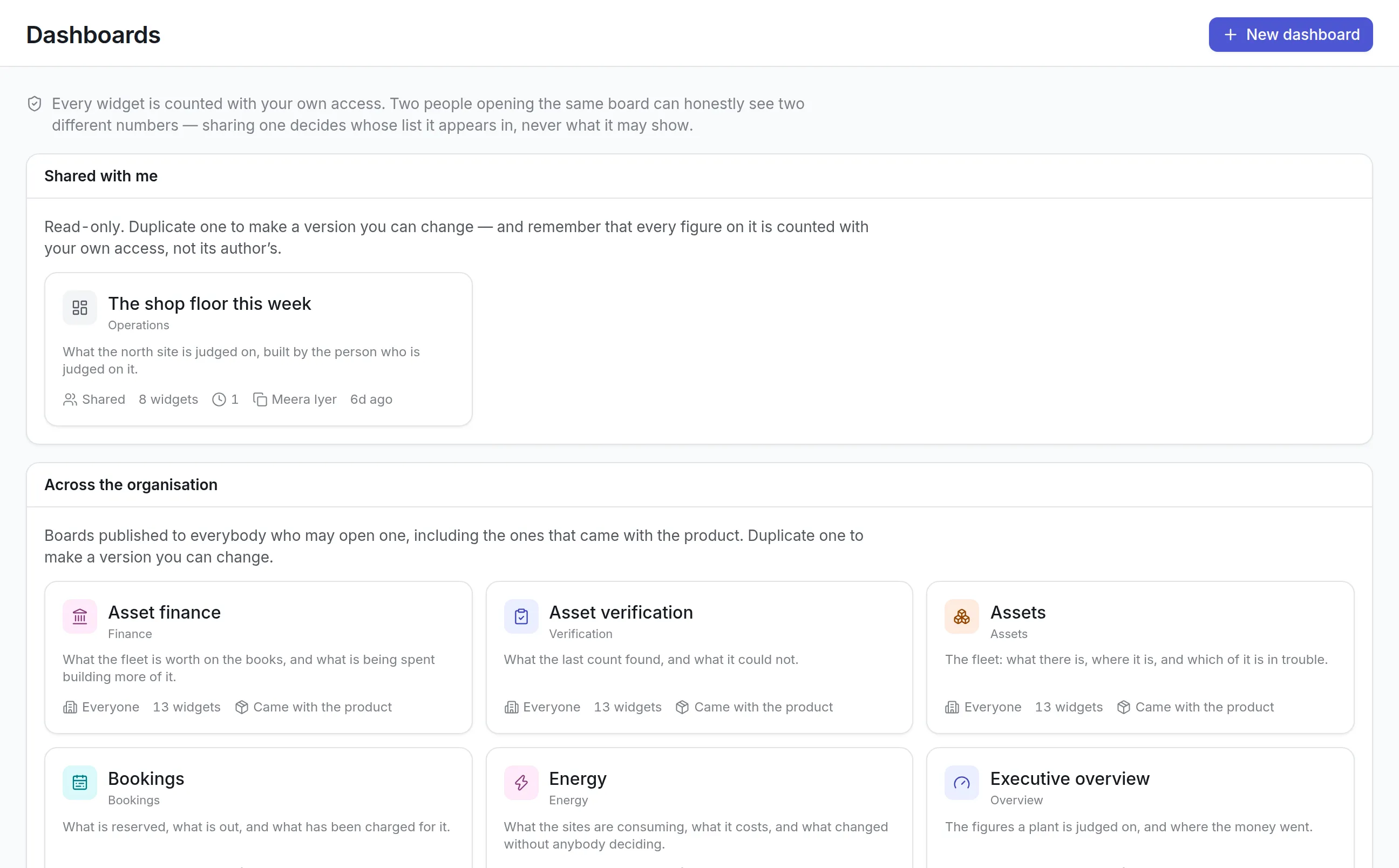
Ask how many emergency jobs each site had last quarter, and Copilot answers with a chart. The chart is a query run with your own access each time the conversation opens, so your data is counted inside the product rather than sent to the model.
- Above the chart, a line says what it covers, such as which site or period it was narrowed to.
- A name typed loosely is matched to the nearest real one, and the chart says so.
- Two people with different access can open the same conversation and see different, correct charts.
- Keep this puts the chart on one of your boards. See maintenance reporting.
Fill forms from a photo or your voice
Fill from a document reads a photo of a nameplate, a PDF datasheet or an image into a new asset or job. Say it does the same from a spoken description, and shows what was heard so a misheard number can be caught.
More detail
Voice needs an OpenAI key, because Anthropic has no speech-to-text service. On ChatGPT it is the same key; on Claude it is a second one.
What to look for in an AI CMMS
| Capability | Why it matters | In Asset Infinity |
|---|---|---|
| People decide | A model can be wrong with total confidence | Suggestions wait for Accept, Agree or Reject |
| Answers tied to evidence | You need to check a suggestion before trusting it | Each one lists the records it rests on |
| Your own codes | Invented failure modes break your reliability data | Picks only from your configured lists |
| Your key and provider | The bill and the provider’s record should be yours | Claude or ChatGPT on your API key |
| Clear consent | Someone should decide that records leave the system | Off until an administrator agrees, with who and when recorded |
| What was sent, on record | Security teams ask what left the building | Each turn shows exactly what was sent |
| Personal data removed | Names do not help a diagnosis | Names, emails and phone numbers stripped first |
| A cost ceiling | A runaway loop is invisible until the invoice | A daily question limit for the organization |
| A measure of usefulness | Not every capability earns its cost | Accept rate per capability |
Your key, your consent, your data
Asking Copilot sends the record the question is about, its recent history and your configured lists to the provider you chose. Names, email addresses and phone numbers are removed first, and each conversation keeps a copy of exactly what was sent. Copilot needs a route to the provider over the internet, so a site with no internet connection keeps it switched off. More on how data is handled is on the security page.
AI assistants connected over MCP
People can also connect their own AI assistant to Asset Infinity over the Model Context Protocol, from Claude, ChatGPT, Microsoft Copilot Studio, Cursor, VS Code or Claude Code. Each person approves the connection in their browser, and the assistant asks as them, within their own permissions. They can end it from their profile, and every question is logged under their name.
AI CMMS examples by team
Planners
A planner asks what the team should do first this week, across the preventive work falling due, and gets an order by consequence rather than date to adjust before dispatch.
Technicians
Before a job, a technician asks what to take and what to isolate on the pump, with the past work orders the answer rests on.
Reliability engineers
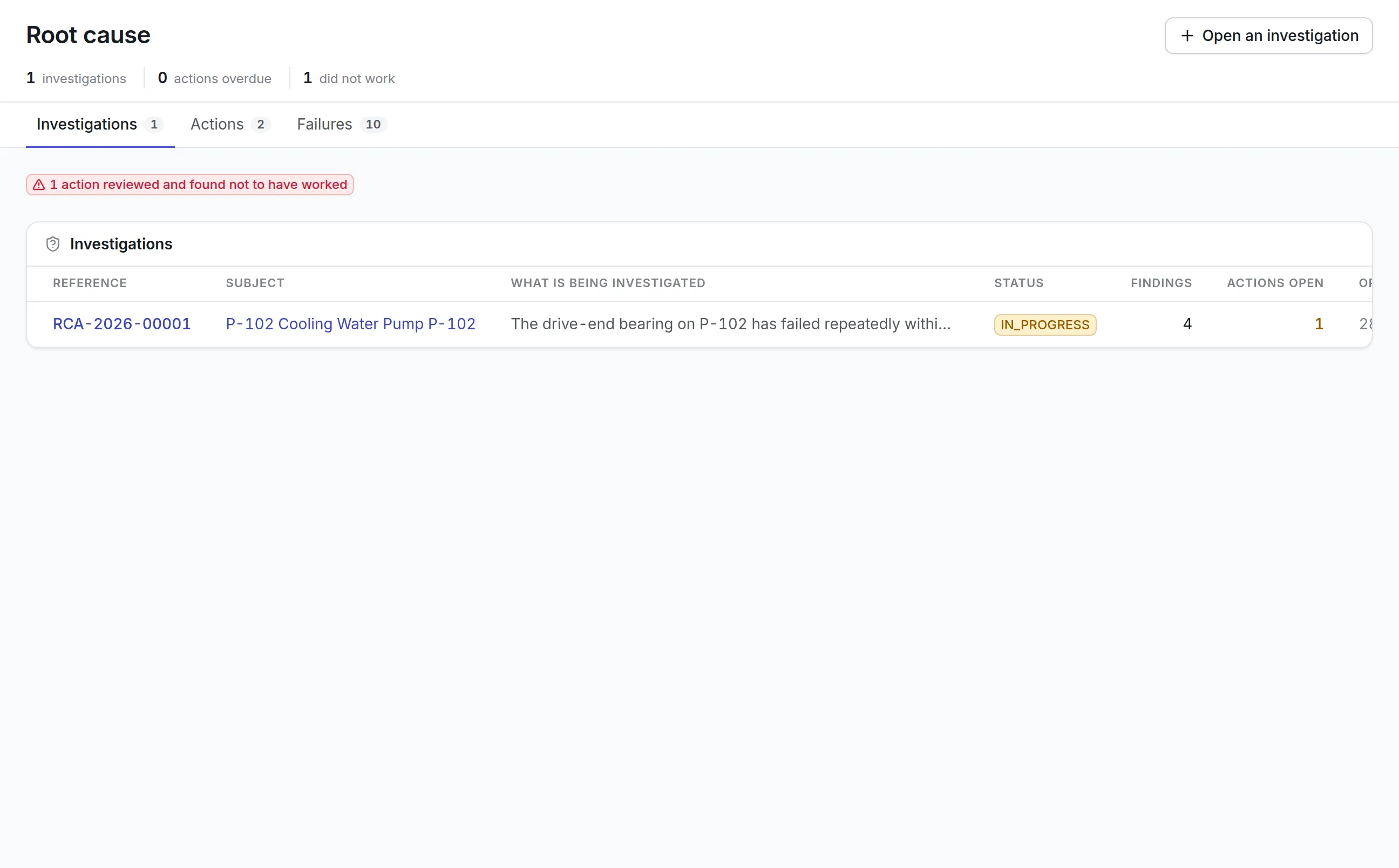
Classify keeps failure codes consistent across shifts, so repeat faults surface in reliability figures and lead to root cause investigations.
Maintenance managers
A manager asks why emergency jobs went up last month and keeps the resulting chart on the Monday board.
Pricing for Copilot
Copilot is a $50 a month add-on for your organization, on top of the CMMS software modules you use. You supply the AI provider key, so model usage is billed to your own account with Anthropic or OpenAI, under the daily limit you set. Build a quote to add it.
More of the platform
Common questions
What is an AI CMMS?
An AI CMMS is maintenance software that uses a language model to help with the work, for example classifying breakdowns, suggesting what a job needs, planning priorities or turning a question into a report.
Which AI model does Copilot use?
Claude from Anthropic or ChatGPT from OpenAI. Your organization chooses the provider and supplies its own API key, so usage is billed to your account with that provider.
What data is sent to the AI provider?
The record a question is about, its recent history and your configured lists. Names, email addresses and phone numbers are removed first, and each conversation keeps a copy of exactly what was sent.
Is Copilot on by default?
No. Nothing is sent anywhere until someone in your organization agrees to it, and that consent is recorded with who gave it and when.
Can the AI change our records on its own?
No. Copilot proposes and a person decides. A suggestion is only written onto a record when someone with permission presses Accept and write it on.
Can we connect ChatGPT or Claude to our CMMS data?
Yes. Each person can connect an assistant such as Claude, ChatGPT or Microsoft Copilot over the Model Context Protocol. It asks as that person, within their permissions, and every question is logged.
See it with your own assets
A demo run on an example from your industry. Or start the trial and look around on your own.