






Asset management software security enforced where your data lives
In Asset Infinity, asset management software security is decided by the database itself, not by each screen. Your people sign in through your own directory, and every change is recorded with who made it.
What asset management software security covers in Asset Infinity
Single sign-on
Sign in through your identity provider over SAML or OpenID Connect, through LDAP or Active Directory, or with Google or Microsoft accounts.
Two-factor sign-in
Password sign-ins can require an authenticator app code, with ten single-use recovery codes for a lost phone. Administrators can require it for everyone.
Provisioning from your directory
SCIM and scheduled directory sync create accounts and deactivate leavers, and a deactivated account is refused on its next request.
Each customer walled off
Every customer's data is separated by row-level security in the database, and that boundary is tested on every change to the product.
Roles and site access
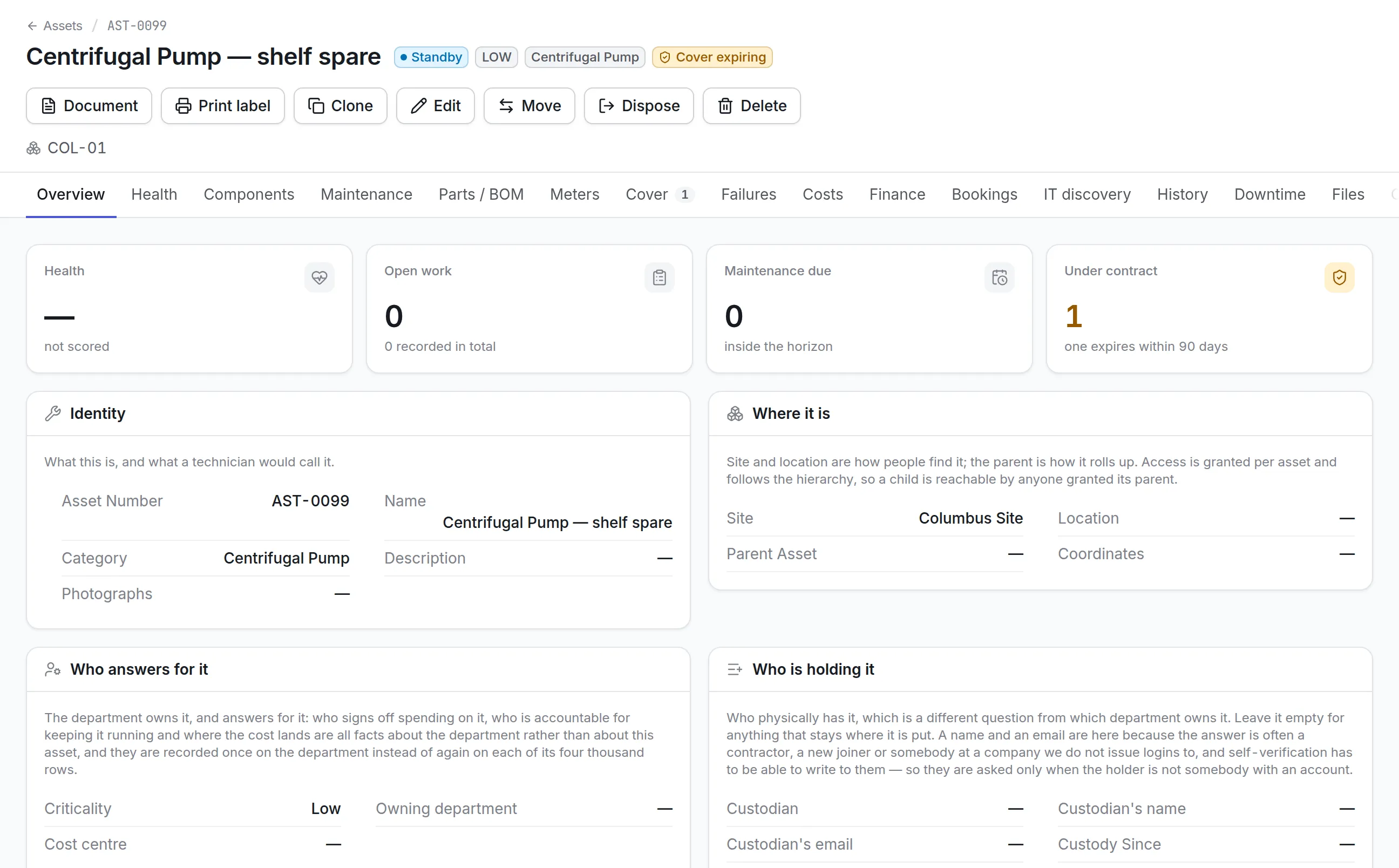
Roles decide what a person can do, and site and asset grants decide how far they reach. Both apply to screens, reports, the API and the mobile app alike.
An audit trail you can stream
Changes are recorded with who made them and when, and a security tool can follow sign-ins and changes through a feed of its own.
What is asset management software security?
Asset management software security is the set of controls that decide who can sign in to the system holding your asset, maintenance and financial records, what each person may see and change, and how every action is recorded. It covers sign-in, access control, separation between customers, protection of stored credentials and the audit trail.
Buyers ask about it because an asset system holds site layouts, supplier prices, contractor details and the history of every critical machine, and many people in and outside the company touch it.
Access decided by the database
Asset Infinity keeps its access rules in the database, so a new screen, export or integration cannot forget to check them. A person’s roles say what they can do. Their site and asset grants say how far it reaches, and a grant on an asset covers the assets beneath it.
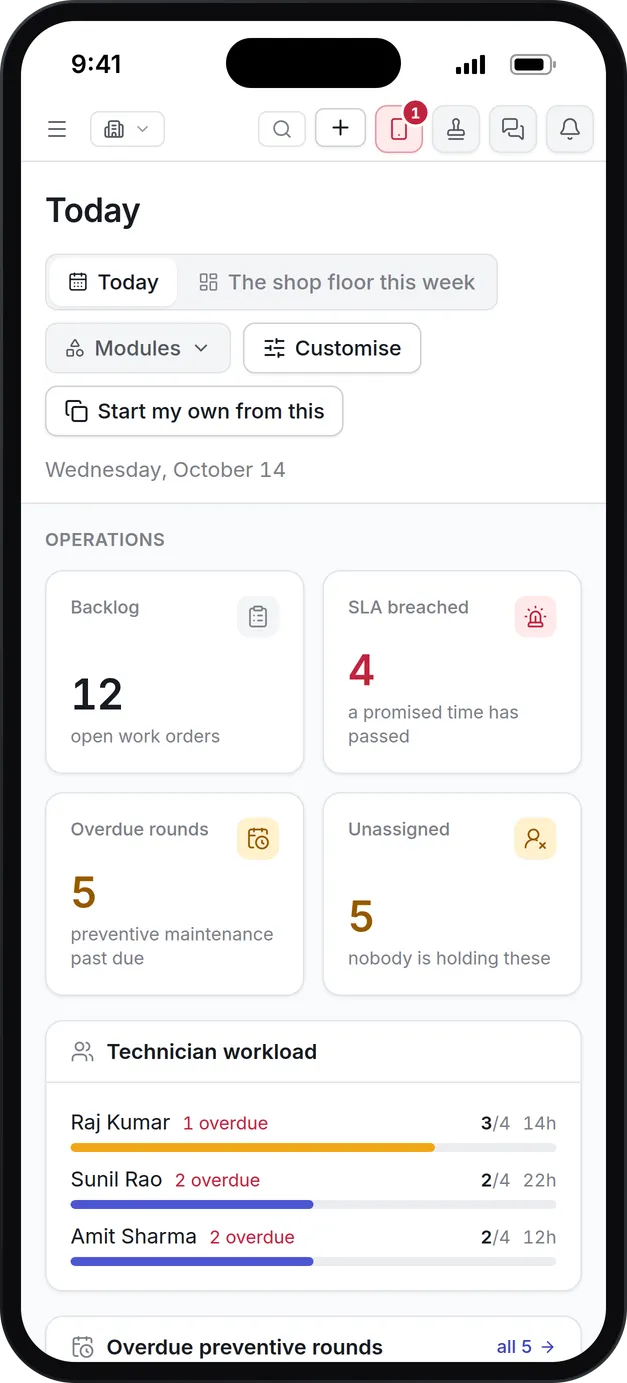
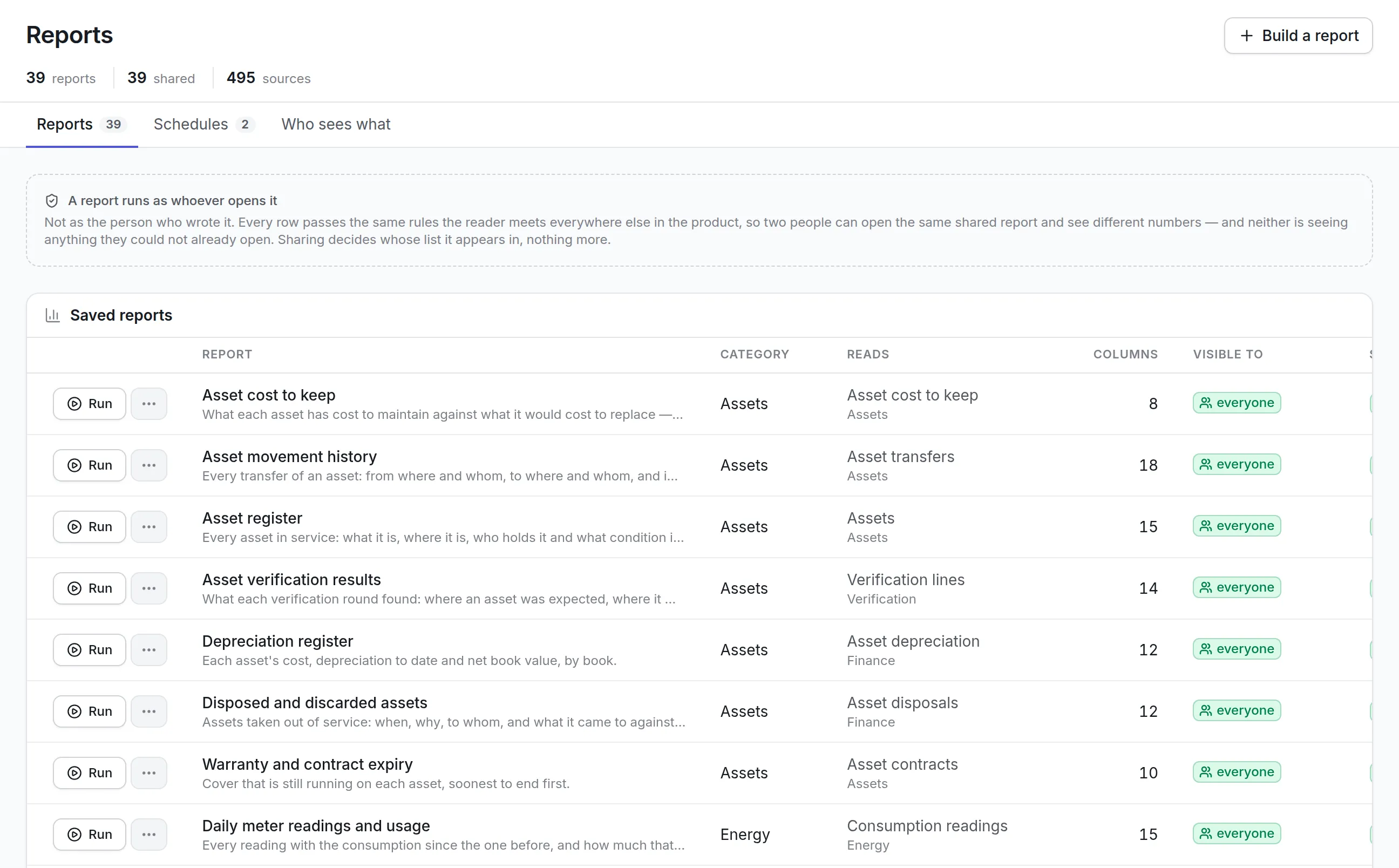
- A shared report runs as whoever opens it, never as the person who wrote it.
- Two people opening the same dashboard can see different totals, each limited to their own sites.
- Every customer’s data is separated by row-level security keyed on the verified organization, and that boundary is tested on every change to the product.
- An API key belongs to a service identity and can only be narrowed, never widened.
More detail
A report, a dashboard, an API key and an AI assistant acting for someone all get the same answer, because they all ask the same database. That has practical consequences a buyer can test in a demo:
How asset management software security works in Asset Infinity
Here is what an administrator sets up, in the order most organizations do it. The sign-in documentation covers every setting.
- Connect your identity provider.Add a SAML 2.0, OpenID Connect or LDAP / Active Directory connection, or allow Google and Microsoft sign-in. A directory password is checked against your directory and never stored by the product.
- Map groups to roles.Groups in your directory grant roles here, and someone who leaves a group stops holding the role. The default role for an unmapped person can be nothing at all.
- Provision accounts.SCIM 2.0 lets Entra ID, Okta and most identity providers push changes the moment someone is disabled. A directory that cannot push is read on a schedule instead.
- Switch passwords off, if you want.Once single sign-on works, passwords can be turned off for everyone except a break-glass role of two or three named people. Each break-glass sign-in is recorded and the administrators are told.
- Set the password and session policy.For anyone still using a password, set the length, reuse, lockout and two-step rules, and how long a session lasts.
- Grant site access.Give each person, contractor and service identity the sites and assets they need, and nothing beyond them.
- Stream the audit trail.Connect your SIEM so sign-ins, refusals, lockouts and record changes reach your security team as they happen.
Passwords, two-step sign-in and sessions
Many organizations run single sign-on for staff and passwords for a few contractors or shared devices. The Authentication screen sets the rules for those passwords, and the server applies them on every sign-in.
| Setting | Default | What you can change |
|---|---|---|
| Minimum password length | 12 characters | 8 to 72, plus optional capital, digit and symbol rules |
| Previous passwords remembered | None | Up to 24 |
| Attempts before locking | 5 | Any number from 1, with optional lengthening lockouts |
| Lockout length | 15 minutes | Any length, cleared early by an administrator |
| Two-step sign-in | Nobody asked | Anybody may turn it on, or everybody must use it |
| Recovery codes | 10 per person | 5 or more, each usable once |
| Sign out after inactivity | 30 minutes | Enforced by the server, not a browser timer |
| Signed out regardless after | 12 hours | Any limit, so a shift is never interrupted |
The same screen lists who is signed in right now, with End on each live session. Ending a session refuses its next request, which is how a lost tablet is cut off at once.
See it on your own assets, or price it in two minutes.
Audit trail and SIEM streaming
The Audit screen is the organization-wide trail of who changed what, when, from where and what each value was before. Nobody can edit or delete an audit event, from that screen or anywhere else. Each event records:
More detail
Passwords, tokens and keys are recorded as changed but never shown. Your SIEM can fetch new events as often as it likes, or the product can post them to your OpenTelemetry collector every few seconds, with documented setups for Splunk, Microsoft Sentinel, Elastic and QRadar.
Contractors, mobile devices and stored credentials
Asset systems are used by people outside the company and on phones that get lost. Each of those routes has its own limit.
What to look for when evaluating asset management software security
Use these questions on every shortlist, and ask each vendor to show the answer in the product.
| Capability | Why it matters | In Asset Infinity |
|---|---|---|
| Single sign-on | Staff should use one company identity | SAML 2.0, OpenID Connect, LDAP / Active Directory, Google, Microsoft |
| Automatic deprovisioning | Leavers must lose access the day they leave | SCIM 2.0 push or a scheduled directory read |
| Multi-factor authentication | Passwords alone are guessed and reused | Authenticator app with recovery codes, or your provider’s MFA |
| Access enforced below the screens | Exports and APIs are where leaks happen | Roles and site grants enforced in the database for every channel |
| Customer separation | Your data must never reach another customer | Row-level security on every table, tested on every change |
| Tamper-proof audit trail | Investigations need a record nobody altered | Events cannot be edited or deleted, with before and after values |
| SIEM integration | Security teams watch sign-ins centrally | Pull feed or OpenTelemetry push |
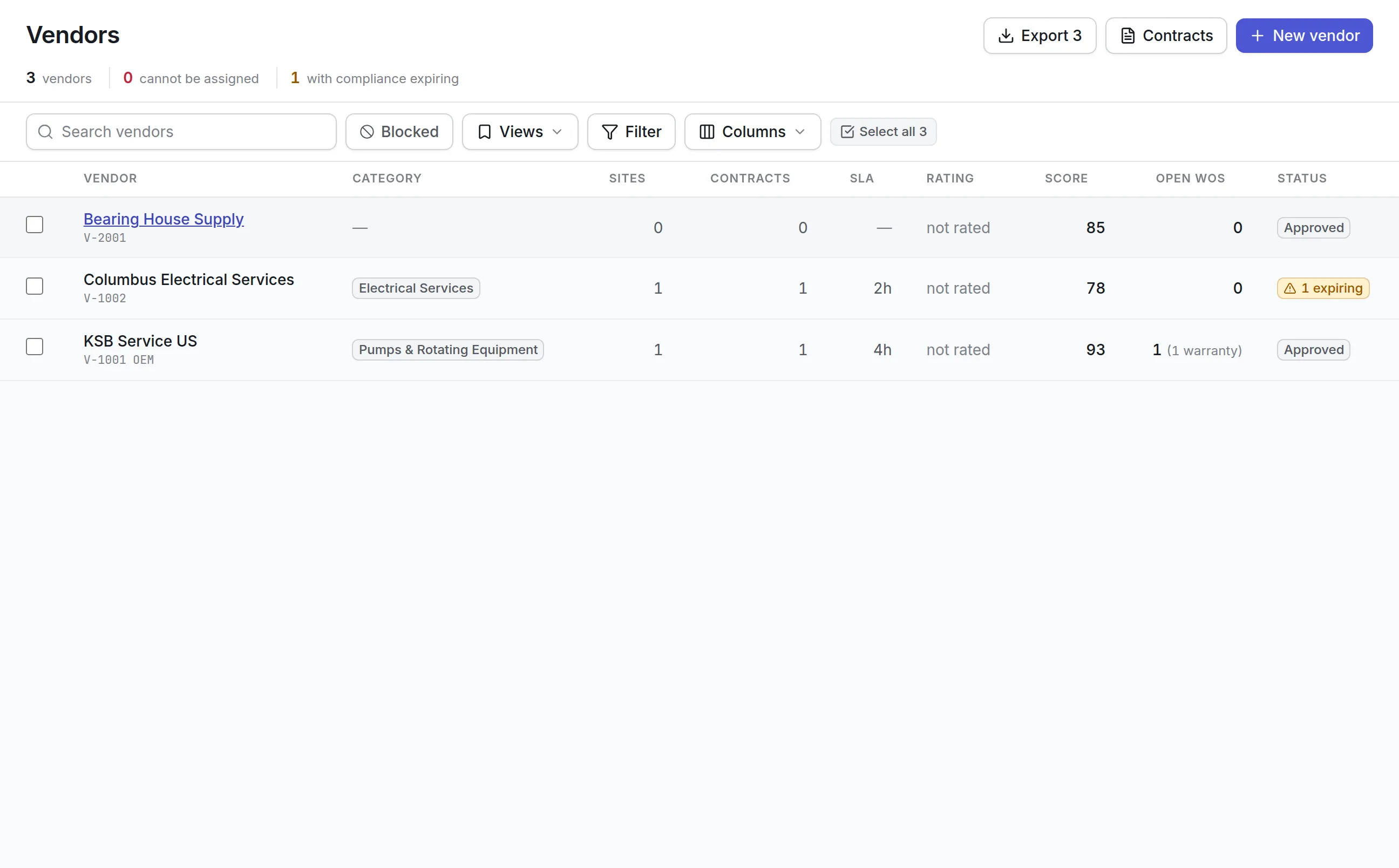
| Limited outside access | Contractors need some data, not all | Portal logins narrowed to sites and their own work |
| Device control | Phones are lost and stolen | Encrypted local data, passcode, revocation and session ending |
| Where it runs | Some data may not leave the building | Our cloud, or your own servers |
Asset management software security by industry
Every organization gets the same controls. What each one checks first differs.
Hospitals and health systems
A hospital limits biomedical, facilities and contractor users to the sites and asset groups they service. Staff sign in through the hospital’s identity provider with its own MFA, and the audit trail shows who changed a medical device’s record and what it said before. The setup for clinical equipment is on our healthcare page.
Pharmaceuticals and life sciences
A GMP site needs to show who changed an equipment record, when and why. Each change carries its before and after values and, where the action asks for one, a reason, and nobody can delete the event. Many such sites also run the product on their own servers. See maintenance in life sciences.
Utilities and critical infrastructure
An operator of pumps and treatment plants keeps contractor access narrow, streams sign-ins to its SIEM and may keep the whole system inside its own network. Break-glass accounts cover the day the identity provider is unreachable, and every such sign-in is announced to the administrators.
Corporate IT
An IT team connects the product to Entra ID or Okta with SCIM, maps groups to roles and issues API keys with an expiry to its service desk integration. Every key belongs to a service identity, so it keeps working when the person who made it leaves.
What asset management software security costs in Asset Infinity
Single sign-on, two-step sign-in, roles, site access and the audit trail are not sold as add-ons on our price list. Every plan starts with the asset register at $130 a month for up to 500 assets with unlimited users, and you add the modules you need. Running on your own servers is twice the cloud price, with a minimum of $18,000 a year, and the same controls come with it; the on premise CMMS page explains the install. You can build a quote, and the asset management platform page shows how sign-in, the API and the CMMS mobile app fit together.
Common questions
What is asset management software security?
It is the set of controls that decide who can sign in to the system holding your asset and maintenance records, what each person may see and change, and how every action is recorded. In Asset Infinity all three are enforced in the database, so no screen, report or API call can reach past them.
Do you support SSO and SCIM?
Yes. Single sign-on works with SAML 2.0, OpenID Connect, LDAP, Google and Microsoft. SCIM provisioning and scheduled directory sync create, update and deactivate accounts from your directory.
Is multi-factor authentication available?
Yes. People who sign in with a password can use an authenticator app, and an administrator can make it required. People who sign in through your identity provider use the second factor it already enforces.
Can we send the audit trail to our SIEM?
Yes. Your SIEM can fetch new events, or Asset Infinity can post them to your OpenTelemetry collector every few seconds. Setups are documented for Splunk, Microsoft Sentinel, Elastic and QRadar.
Is data on the mobile app protected?
The app's local data is encrypted and opened with a device passcode. A lost phone can be revoked so it can no longer sign in, and its sessions can be ended from the Authentication screen.
Can contractors log in without seeing everything?
Yes. A vendor contact can be given a portal login limited to the sites you choose and to their own company's jobs, orders and messages.
See it with your own assets
A demo run on an example from your industry. Or start the trial and look around on your own.