






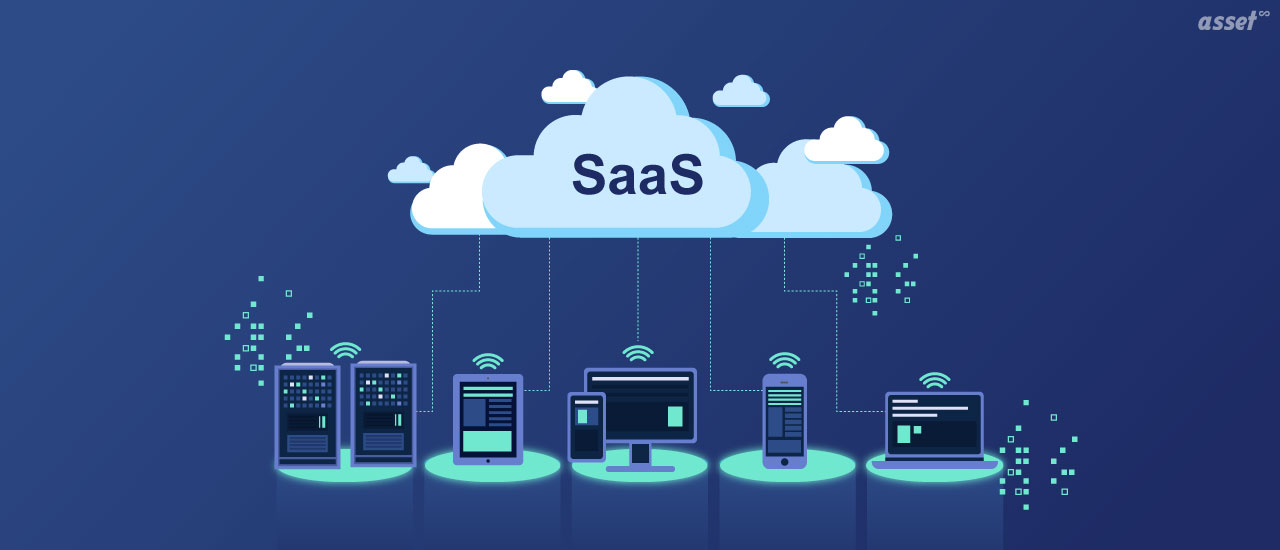
What is SaaS? SaaS, or software as a service, is software you rent and use over the internet instead of buying it and installing it on your own computers. The vendor runs the servers, the database and the updates. You sign in with a browser or an app and pay a subscription, usually per user per month or per year.
Most business software bought today is sold this way: email, CRM, accounting, HR, design tools and maintenance software. That makes SaaS easy to adopt and, past a certain size, hard to keep track of. This guide explains the meaning of SaaS, how it compares with other ways of running software, its benefits and drawbacks, and what a SaaS management solution does for the IT and finance teams who have to control it.
What Is SaaS (Software as a Service)?
Software as a service (SaaS) is a way of delivering software in which the vendor hosts and runs the application and customers use it over the internet on a subscription. The vendor handles servers, storage, security patches and upgrades. Customers need only a browser or app and an account, and typically pay per user or per amount of use.
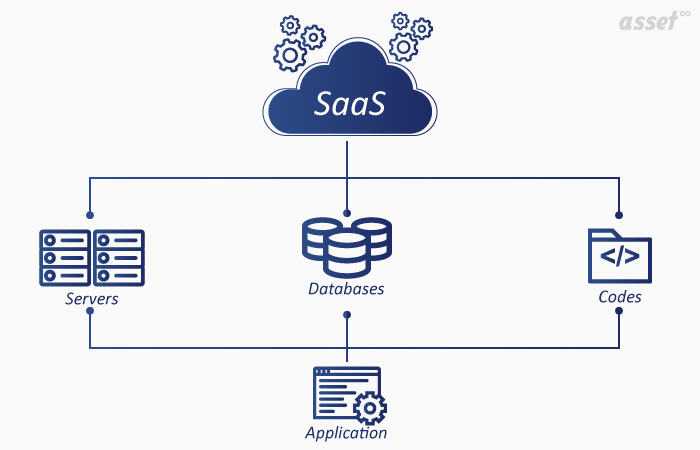
SaaS meaning in plain terms
Think of it as the difference between buying a car and using a ride service. With traditional software you buy a license, install it, and look after it yourself. With SaaS you pay to use it, and somebody else keeps it running.
How SaaS works
- The vendor runs one application in its cloud. Usually a single, shared code base serves every customer, with each customer’s data kept separate. This is called a multitenant architecture.
- You subscribe. You choose a plan, often priced per user, and pay monthly or yearly.
- Users sign in. Through a browser or a mobile app, often with the company’s single sign-on.
- The vendor updates it. New features and security fixes reach every customer without anyone installing anything.
- You stop paying when you stop using it. Cancel, and access ends at the end of the term. Export your data first.
Examples of SaaS Applications
SaaS covers almost every kind of business software. Common examples by category:
| Category | Well-known SaaS applications |
|---|---|
| Email and office | Microsoft 365, Google Workspace |
| Communication | Slack, Zoom, Microsoft Teams |
| Customer relationship management | Salesforce, HubSpot |
| File storage | Dropbox, Box |
| Design | Figma, Canva |
| Asset and maintenance management | Asset Infinity and other cloud CMMS and EAM products |
SaaS vs PaaS vs IaaS vs On-Premise
SaaS is one of three cloud service models. The difference is how much of the stack the vendor runs and how much you run yourself.
| Model | What the vendor runs | What you run | Example use |
|---|---|---|---|
| On-premise | Nothing; you buy a license | Hardware, operating system, database, application, updates | Software installed on your own servers |
| IaaS (infrastructure as a service) | Servers, storage, network | Operating system, database, application | Renting virtual machines in a public cloud |
| PaaS (platform as a service) | Servers, operating system, runtime, database | Your application code | Developers deploying their own apps |
| SaaS (software as a service) | Everything | Your users, data and settings | Using a finished application in the browser |
The difference between SaaS and cloud computing covers how the terms overlap. For asset management in particular, see cloud-based vs self-hosted vs on-premise asset management.
Benefits of Software as a Service
The benefits of SaaS are why it became the default way to buy business software:
- Lower upfront cost. No servers to buy and no large license fee. You pay as you go, which turns a capital purchase into an operating expense.
- Fast to start. There is nothing to install. A team can be working in the product the day the subscription starts.
- Updates without projects. The vendor ships new features and security fixes to everyone. Nobody schedules an upgrade weekend.
- Access from anywhere. Staff use it from the office, home or the field, on laptops, tablets and phones.
- Scales with the business. Add users or capacity when you grow, and remove them when you do not need them.
- Less work for IT. Backups, patching, monitoring and availability are the vendor’s job, set out in its service terms.
Drawbacks of SaaS to Plan For
SaaS moves responsibility to the vendor, which brings its own risks:
- Your data lives with someone else. Check where it is stored, who can see it and how you get it back if you leave.
- Costs creep. Per-user pricing adds up, and unused accounts keep billing until someone removes them.
- Less control over change. The vendor decides when the product changes, and a feature you rely on can move or disappear.
- Internet dependence. No connection usually means no access, unless the app works offline.
- Sprawl. Because anyone with a credit card can sign up, a company can end up with dozens of applications nobody in IT approved.
For some organizations these risks rule SaaS out for certain systems. Sites with no reliable internet, or data that may not leave the building, often need the same software installed on their own servers.
What Is a SaaS Management Solution?
A SaaS management solution is software that finds, tracks and controls the SaaS applications an organization pays for. It shows which applications are in use, who uses them, what each one costs and when each contract renews, so IT and finance can remove unused licenses and unapproved tools.
What SaaS management covers
- Discovery. Finding every SaaS application in use, including ones bought on expense cards or signed up for without IT approval.
- License optimization. Comparing paid seats with active users and removing or reassigning the ones nobody uses.
- Spend and renewals. Tracking contract terms, renewal dates and who owns each application.
- Access control. Making sure leavers lose access to every application on the day they go.
- Security and compliance. Checking which applications hold company data and whether they meet your security requirements.
SaaS management vs software asset management
Software asset management (SAM) has traditionally tracked software installed on company devices and whether each installation is licensed. SaaS management applies the same idea to cloud subscriptions, where there may be nothing installed to find. Many organizations need both. Read more on software asset management best practices.
How to Manage SaaS Applications in Your Organization
Whatever tool you use, the routine is the same:
- Build the list. Pull subscriptions from finance records and expense reports, and ask each department what they use.
- Name an owner for each application. Someone who approves new users and answers for the cost.
- Connect sign-in to your identity provider. Single sign-on means one place to grant and remove access.
- Review seats before each renewal. Remove inactive users and drop plans you have outgrown.
- Tie offboarding to the list. A leaver should lose access to every application on the list the same day.
- Approve new tools before purchase. A short review of security and cost prevents the next round of sprawl.
How Asset Infinity Fits In
Asset Infinity is asset management and maintenance software. It runs as SaaS in our cloud, and the same release can also be installed on premise on your own servers. It does not manage SaaS subscriptions, but it covers the hardware and installed software that a SaaS list leaves out.
- IT asset discovery. Agents for Windows, macOS, Linux and Android, a network collector, and connectors for AWS, Azure, Google Cloud and Microsoft Intune. See IT asset management software.
- Software license management. Installed software is compared with what you own, by device, user, concurrent, site or enterprise license. Reports include installed not entitled and entitled not installed. See software license management.
- Sign-in and access. Single sign-on over SAML, OpenID Connect and LDAP, with user provisioning from Okta and Microsoft Entra. More on our security page.
- One register. Laptops, servers, furniture, vehicles and machinery sit in the same asset register.
Frequently Asked Questions
What does SaaS stand for?
SaaS stands for software as a service: software the vendor hosts and runs, which customers use over the internet on a subscription.
What is an example of SaaS?
Microsoft 365, Google Workspace, Salesforce, Slack and Zoom are all SaaS applications. You sign in through a browser or app, and the vendor runs everything behind it.
Is SaaS the same as cloud computing?
SaaS is one type of cloud computing. Cloud computing also includes IaaS, where you rent servers, and PaaS, where you rent a platform to run your own code.
What is the difference between SaaS and on-premise software?
SaaS is hosted and maintained by the vendor and paid for by subscription. On-premise software is installed on your own servers, and your IT team runs and updates it.
Who is responsible for SaaS management?
Usually IT owns the list of applications and access, and finance owns spend and renewals. Each application should also have a business owner who approves users.