






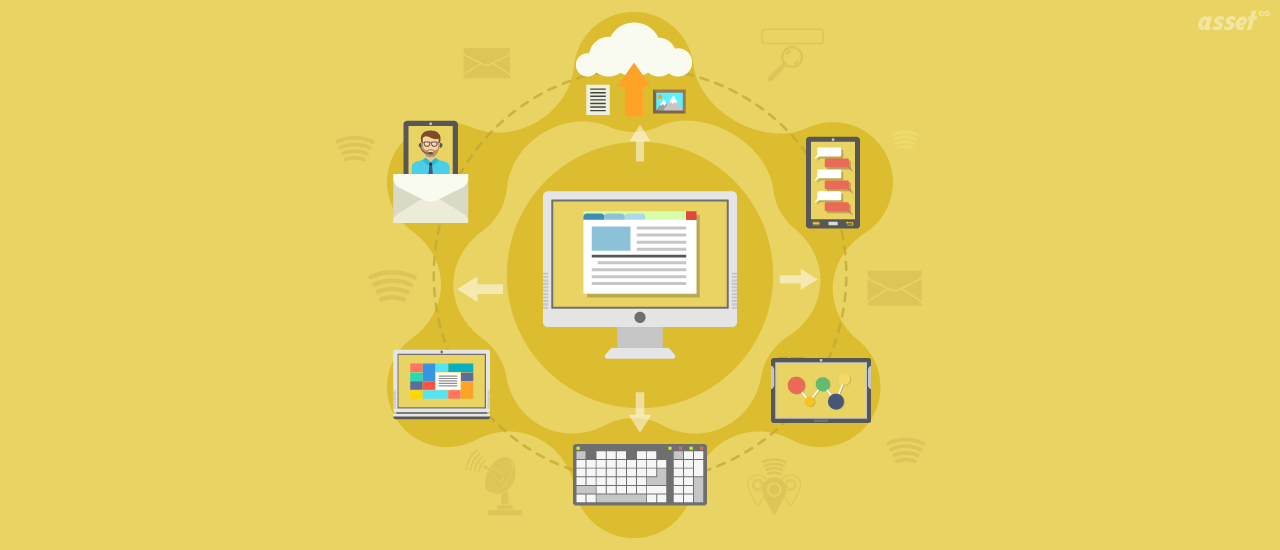
IT asset discovery is how an IT team finds out what is actually on its estate: every computer, server, switch, printer, phone and cloud resource, with the hardware details and software on each. It replaces the inventory someone typed in last year with one built from what the devices themselves report.
That matters because you cannot secure, license, support or budget for a device you do not know about. Unknown laptops miss patches, unknown software creates license exposure, and unknown servers keep running and costing money long after their owner has left. This guide explains what IT asset discovery is, the main discovery methods, what discovery finds, how to choose IT asset discovery tools, and how to roll discovery out step by step.
What Is IT Asset Discovery?
IT asset discovery is the automated process of finding the hardware, software and cloud resources connected to an organization’s networks and accounts, and recording their details in an asset inventory. Discovery tools use agents on devices, network scans and cloud or device-management connectors, then match each finding to an existing asset record or flag it for review.
Asset discovery is the first step of IT asset management. The inventory it builds feeds everything else: software license counts, security patching, hardware refresh plans, audits and the service desk.
IT asset discovery vs IT asset tracking
| IT asset discovery | IT asset tracking | |
|---|---|---|
| Question it answers | What is out there right now? | Who has each asset, where is it, and what happened to it? |
| How it works | Agents, network scans and cloud connectors | Asset records, custodians, tags, check-outs and counts |
| Finds | Devices that talk to a network or a cloud account | Every asset, including ones that never connect |
| Weak spot | Monitors, docks and spares in a cupboard | Data goes stale if nobody updates it |
The two work together. Discovery keeps connected devices current. Tracking, with labels and counts, covers everything discovery cannot see.
How IT Asset Discovery Works: The Main Methods
Most organizations need more than one discovery method, because each sees a different slice of the estate.
| Method | How it works | Best at finding | Limits |
|---|---|---|---|
| Agent-based | A small program on each computer reports its hardware, operating system and installed software | Laptops and desktops, including remote ones off the office network | Only covers devices where an agent can be installed |
| Agentless network scan | A collector sweeps IP ranges and queries devices over protocols such as ICMP, SNMP, SSH, WMI and WinRM | Servers, switches, printers and other network devices | Only sees what is on reachable networks when the scan runs; needs credentials for detail |
| Cloud connectors | Reads resources through cloud provider APIs | Virtual machines and other resources in AWS, Azure and Google Cloud | Covers only the accounts connected |
| Device management connectors | Reads devices enrolled in a mobile device management tool | Managed phones, tablets and laptops | Only enrolled devices |
| Manual and label-based | People record and tag assets and count them | Peripherals, spares and anything that never connects | Depends on discipline |
Agent-based discovery
An agent sees a machine from the inside, so it reports details a scan cannot reach easily: serial number, memory, disk, installed applications and when the device last checked in. It keeps reporting when the laptop is at home or on hotel Wi-Fi.
Agentless network discovery
Agentless discovery, sometimes called network asset discovery, finds devices that cannot run an agent: switches, routers, firewalls, printers and appliances. A basic sweep finds that an address answers; with credentials, the scan reads model, serial and configuration.
Cloud discovery
Cloud resources appear and disappear in minutes. Connectors to each cloud account list running instances and their tags, so a forgotten test server shows up in the inventory instead of only on the bill.
What IT Asset Discovery Finds
A good discovery process records more than a device name. For each finding, expect:
- Identity: hostname, serial number, MAC address and IP address.
- Hardware: manufacturer, model, processor, memory and storage.
- Operating system: name, version and build.
- Software: installed applications and versions.
- Activity: when the device was first and last seen, and by which source.
- User: the primary or last logged-on user, where the source reports it.
From that data, IT teams can answer practical questions. Which laptops have not checked in for 30 days? Which machines run software we have blocked? How many installs of a product do we have against the licenses we own?
Why IT Asset Discovery Matters
Security
Security frameworks start with an inventory of hardware and software, because unmanaged devices and unapproved software are where attacks often begin. Discovery surfaces devices that no agent manages, machines that have gone quiet and software that should not be there.
Software license compliance
Software vendors audit customers. Discovery shows what is installed, so you can compare it with what you are entitled to before an auditor does. See software asset management best practices for the license side.
Cost control
Discovery shows idle devices and installed software nobody uses, so IT can reassign them instead of buying more. It also finds cloud resources that are still running and still billed.
Support and planning
When the service desk sees exactly what a user has, tickets close faster. Refresh plans are built from real ages and models instead of guesses.
How to Roll Out IT Asset Discovery
- Agree the scope. List the networks, sites, cloud accounts and device types discovery should cover, and who authorized each scan range.
- Import what you already have. Load the existing spreadsheet or purchase records, even if incomplete, so discovery has records to match against.
- Deploy agents. Push the agent to Windows, macOS and Linux machines through your normal software deployment process.
- Set up network scanning. Install a collector inside each network, give it the ranges and credentials, and schedule sweeps.
- Connect cloud and device management. Add connectors for each cloud account and your device management tool.
- Review the findings. Link each device to an existing asset, add it as a new one, or dismiss it with a reason. Do not let discovered devices flow into the register unchecked.
- Fill the gaps. Label and count monitors, docks, spares and anything else discovery cannot see.
- Watch the exceptions. Each week, check devices that stopped checking in, unmanaged devices and blocked software.
What to Look for in IT Asset Discovery Tools
| Capability | Why it matters |
|---|---|
| Agents for every operating system you run | Coverage gaps mean an incomplete inventory |
| Agentless scanning over standard protocols | Network gear and printers cannot run agents |
| Cloud and device management connectors | Cloud and mobile devices change too fast for manual records |
| Matching to existing records | Without it, every scan creates duplicates |
| A review step before records are created | Personal devices and guest equipment should not enter the register |
| Credentials that stay inside your network | Scan passwords should not live in a vendor’s cloud |
| Software reporting against licenses | Discovery data is only half of license compliance |
| One inventory with non-IT assets | Finance and facilities should not keep a separate list |
IT Asset Discovery by Team
IT operations
IT operations uses discovery to keep the inventory current, find devices that missed patches and plan hardware refreshes from real data.
Security
Security teams use the list of unmanaged devices and blocked software as a starting point for investigation.
Finance and procurement
Finance uses discovered hardware and software counts to check what is owned against what is paid for, and to stop buying devices already sitting unused.
How Asset Infinity Does IT Asset Discovery
Asset Infinity’s IT asset discovery brings several sources into one review queue and one register.
- Agents for Windows, macOS, Linux and Android report hardware, operating system and installed software.
- A collector inside your network sweeps the ranges you authorize over ICMP, SNMP, SSH, WMI and WinRM. Its credentials stay on the collector, and it only calls out, so no inbound firewall port is needed.
- Connectors read resources from AWS, Azure and Google Cloud, and managed devices from Microsoft Intune.
- Review. Each finding is linked to an existing asset, added as a new one, or dismissed with a reason: not ours, personal device, not an asset, or not permitted.
- Software. Installed products are marked allowed, blocked or unreviewed, and software license management reports compare installs with entitlements.
- Reports include devices not checking in and blocked software installed.
- Warranty lookup by serial number for Dell, Lenovo, HP and Apple.
Discovered devices link to the same asset record that holds the custodian, site and contracts, inside Asset Infinity’s IT asset management software. For devices that never connect, asset tags and counts fill the gap.
Frequently Asked Questions
What is IT asset discovery?
IT asset discovery is the automated process of finding the devices, software and cloud resources on an organization’s networks and accounts, and recording them in an asset inventory.
What is the difference between agent-based and agentless discovery?
An agent runs on each computer and reports from the inside, even off the office network. Agentless discovery scans network ranges and reads whatever answers, which finds switches, printers and other devices an agent cannot run on. Most organizations use both.
How often should IT asset discovery run?
Agents report on a schedule whenever the device is on and connected. Network sweeps are commonly scheduled daily or weekly, depending on how often the network changes and how much load the scans add.
Can IT asset discovery find everything?
No. It finds devices that connect to a network or report to an account. Monitors, docking stations, spares in storage and offline equipment need labels and physical counts.
Is asset discovery the same as a network scan?
A network scan is one discovery method. Full IT asset discovery also uses agents, cloud connectors and device management connectors, then matches all findings to one inventory.